After suspension modifications, watch your wheel alignment!
After lowering or lifting the suspension, most garages still set wheel geometry using the manufacturer's factory values.
The new ride height is ignored, which often leads to accelerated tyre wear.
GeoWheels calculates custom alignment settings tailored to your actual configuration.
Kinematic approach
GeoWheels is dedicated to wheel alignment and suspension geometry for modified vehicles—lift, lowering, track, tyres. Kinematics helps you anticipate real-world effects instead of relying on static tables.
Anticipate camber, toe and axle behaviour
Caster, scrub, roll centre and trail for your setup
Lift, lowering, track, tyre / rim diameter changes
Step-by-step guide
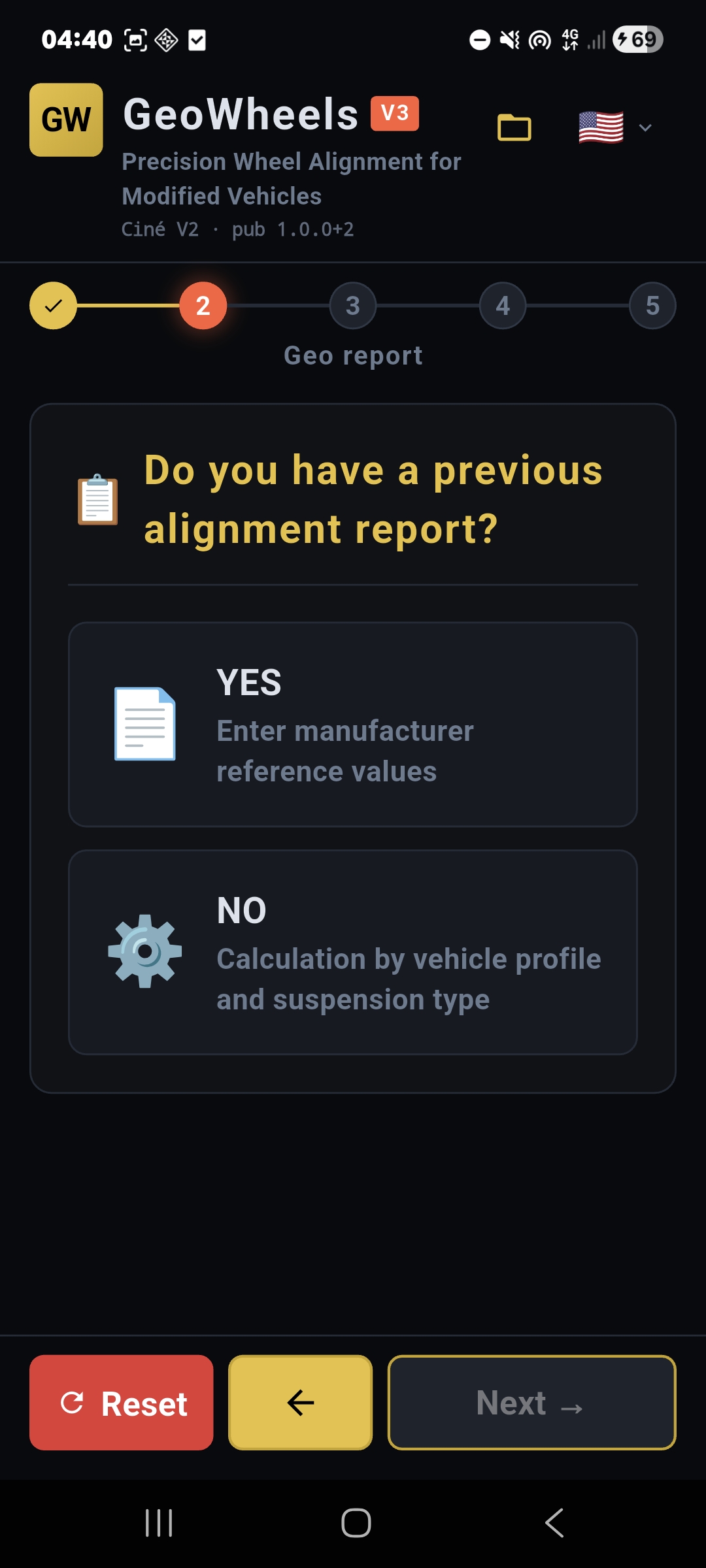
A structured flow in the app: set the context, identify the vehicle, then move on to the data you need for the calculation.
Region and language, vehicle profile and usage type (road, track, 4WDing)
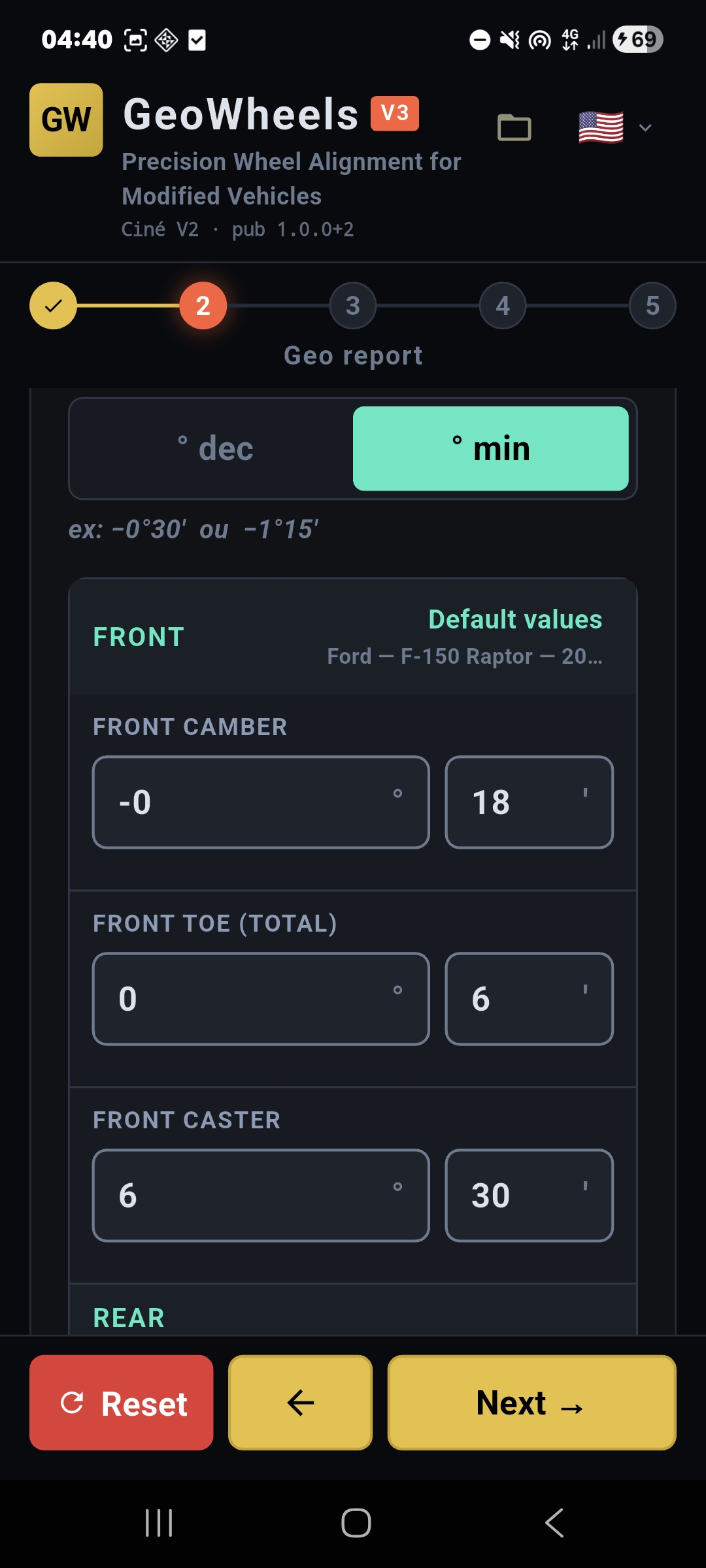
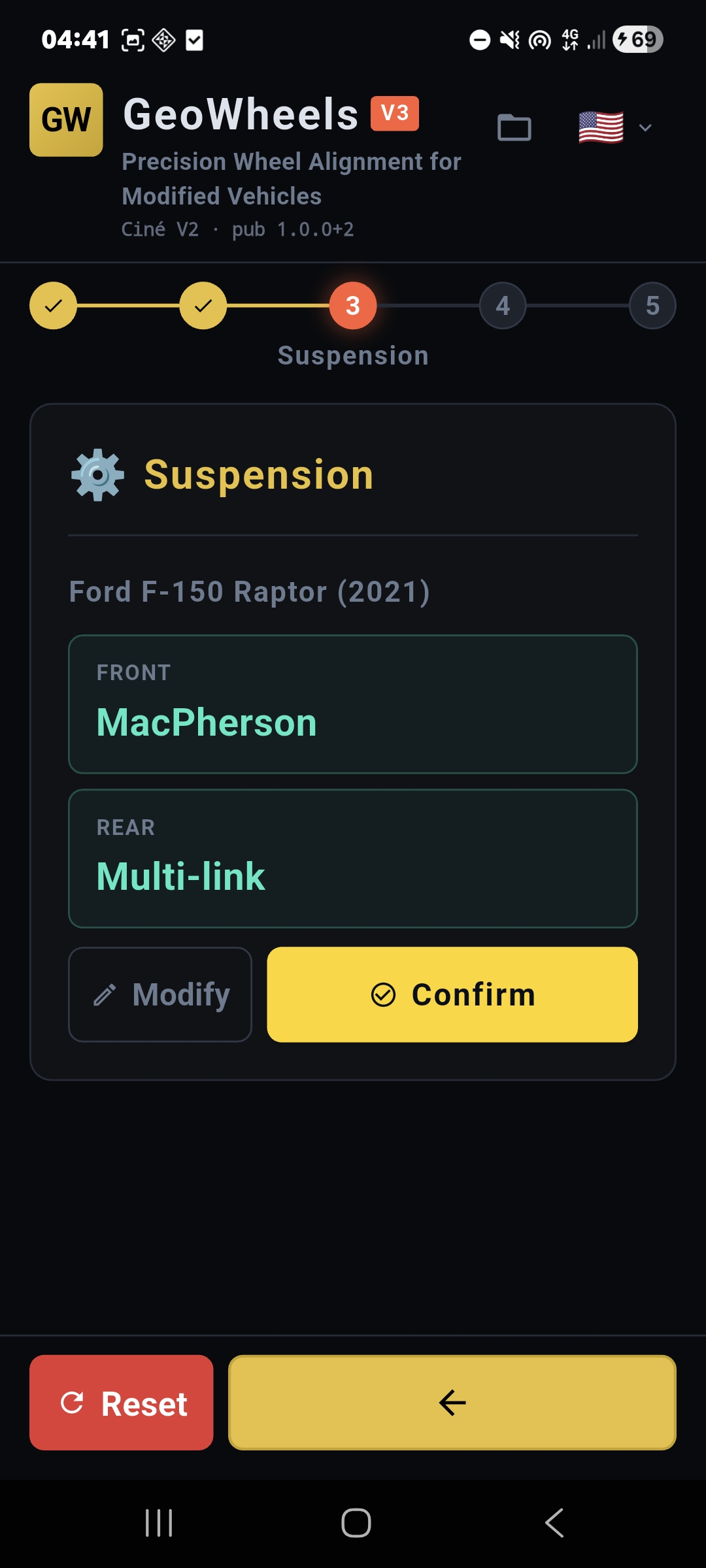
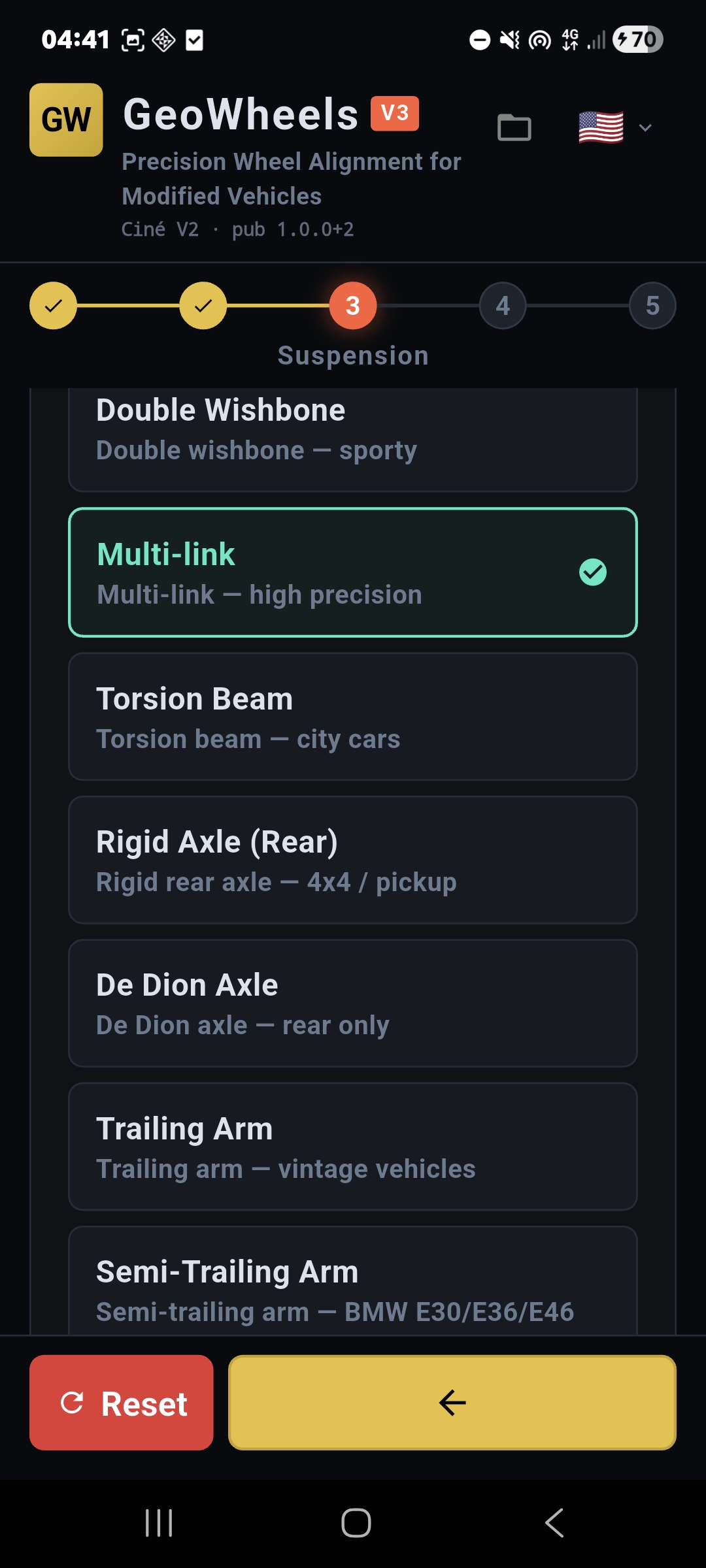
Entry from an alignment sheet or pick suspensions from an extended catalog
VIN decoding where supported (NHTSA in North America) to speed up identification
Real-world simulation
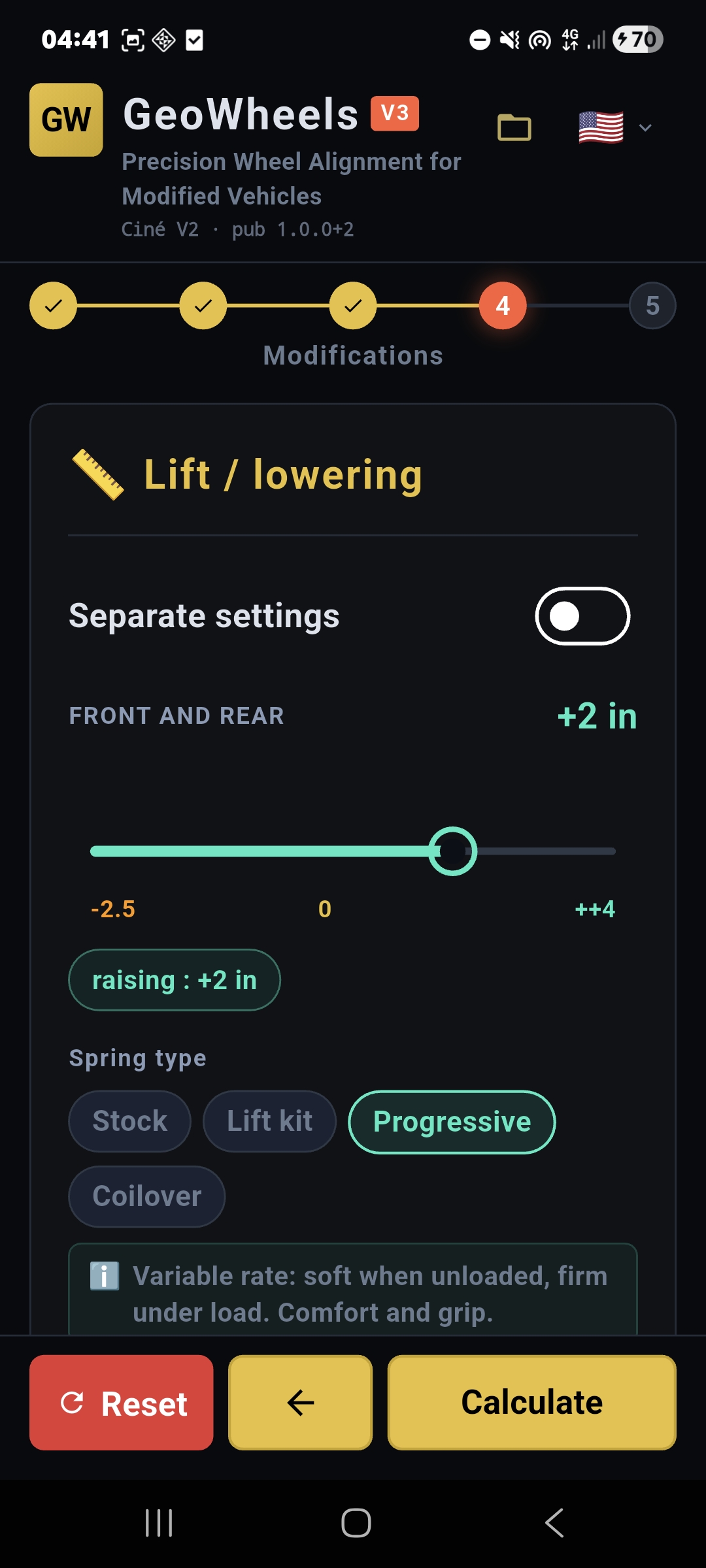
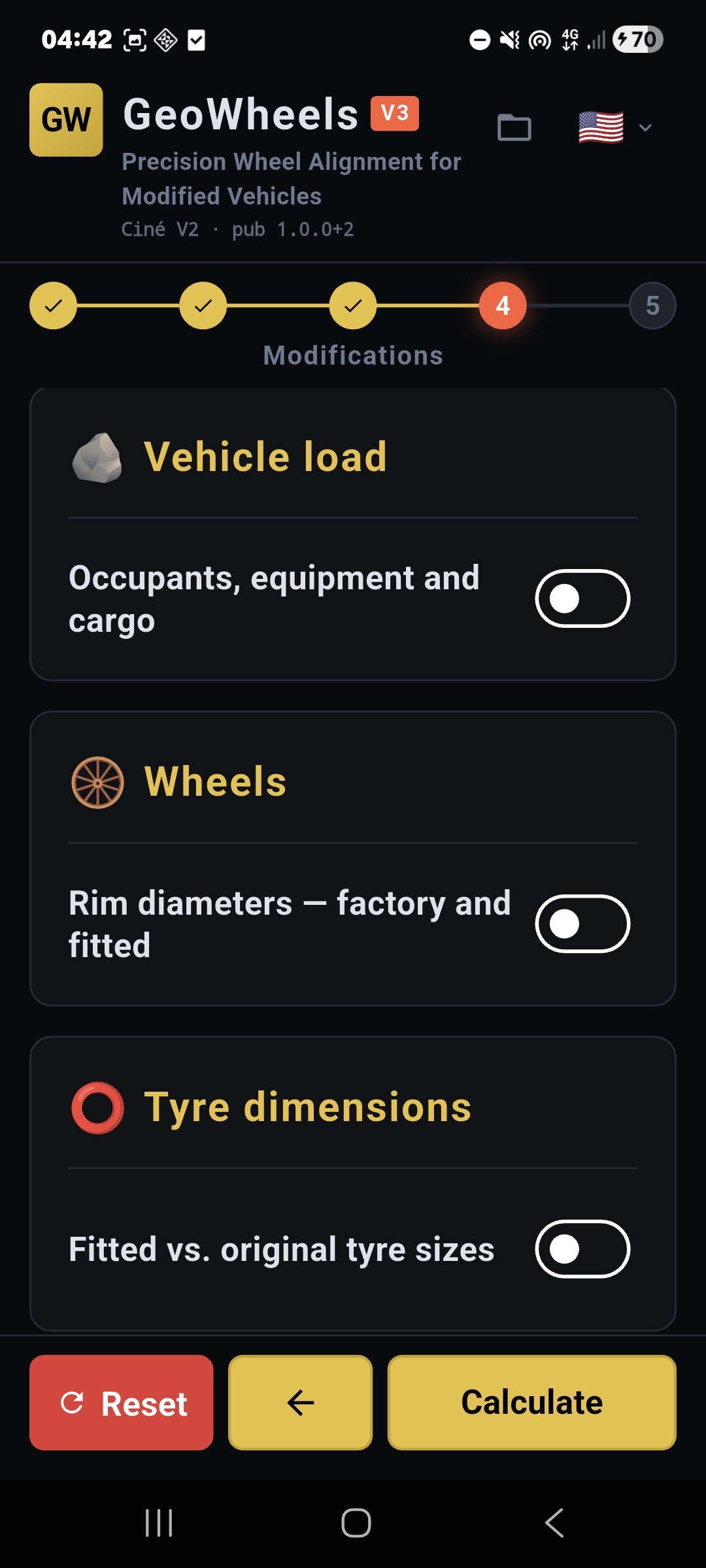
At the modifications step, combine what you actually fit in the workshop so the model matches the vehicle on the rack.
Lift or lower, track offset front and rear
Tyre / rim change, load and vehicle usage
Ute / pick-up: curb weight, payload and regional catalog notes
What GeoWheels does for your alignment workflow
GeoWheels is dedicated to wheel alignment and suspension geometry for modified vehicles—lift, lowering, track, tyres. Kinematics helps you anticipate real-world effects instead of relying on static tables.
A structured flow in the app: set the context, identify the vehicle, then move on to the data you need for the calculation.
At the modifications step, combine what you actually fit in the workshop so the model matches the vehicle on the rack.
Key features
Kinematic alignment calculation tailored to lifted, lowered and otherwise modified suspension geometry
Regional vehicle catalogs covering Europe, North America, Asia and Oceania with makes, models and model years
17-digit VIN decoding where supported (North America) to speed up identification; broad manual catalog paths elsewhere
Vehicle profiles and usage types to better match how the car is driven and loaded
Bench alignment sheet path or manual suspension selection, with assistant-style flows where helpful
Track width (front and rear), ride height, tyre and rim diameter inputs for realistic geometry deltas
Reference data for pickups, utes and payloads where applicable to your market
Detailed results screen with angles, tolerances and technical context for professionals and enthusiasts
PDF alignment report export, preview and sharing options for workshop documentation
Save and reload multiple vehicle configurations; multi-language interface and metric or imperial angle display
More app screenshots
FAQ — Everything about your vehicle's wheel alignment (Australia)
Why does my car pull to the left or right after being lowered?
Changing your ride height alters your wheel alignment. GeoWheels helps you recalculate the Toe settings so your vehicle regains a straight and safe trajectory, essential for long highway drives.
Will my tyres wear out faster after a modification or with sport suspension?
Yes, it's common: lowering your car or fitting coilovers changes the Camber. Without recalibrating, the weight rests mainly on the inner edge of the tyre, leading to rapid wear. GeoWheels helps you find the right angles for even wear and a safer drive.
How can I protect my tyre investment and make them last longer?
High-performance and All-Terrain tyres are a major investment in Australia. A bad wheel alignment can scrub a set of tyres in just a few thousand kilometres. Using GeoWheels to check your settings is the best way to protect your budget and extend tyre life.
I've fitted a 2-inch lift kit to my 4WD or Ute, where do I start?
GeoWheels provides a step-by-step guide. Simply identify your vehicle to get specific advice tailored to your new 4WDing or touring setup.
How can I get more life out of my tyres on long Outback trips?
Proper Camber and Toe settings are vital when your vehicle is loaded for touring. GeoWheels helps you optimise your geometry to ensure even tyre wear and better fuel economy, even on corrugated roads.
Do I need to be a mechanic to use the app?
No. The app is designed for enthusiasts and DIYers. It simplifies complex suspension geometry calculations and gives you clear figures to hand over to your local workshop.
Can I save my settings to compare them later?
Absolutely. You can save multiple configurations to see how each modification or load change impacts your vehicle's handling.
How do I fix "vague" steering after lifting my 4WD?
A lift kit modifies the Caster angle, which can make steering feel light or "darty" at speed. GeoWheels helps you recalculate these angles to restore stability and confidence, whether on the bitumen or in the bush.
Does GeoWheels handle different wheel offsets and wider tyres?
Yes. The app accounts for changes in tyre diameter and wheel offset to adjust toe and pivot measurements, ensuring your tyres don't rub against suspension arms during full articulation.